

Trade on MT4.Familiar tools. Focused control.
Analyse eligible Forex and CFD markets through the established MT4 desktop and mobile workflow—with MQL4 automation for traders who need it.
Existing client? Download MT4 for Windows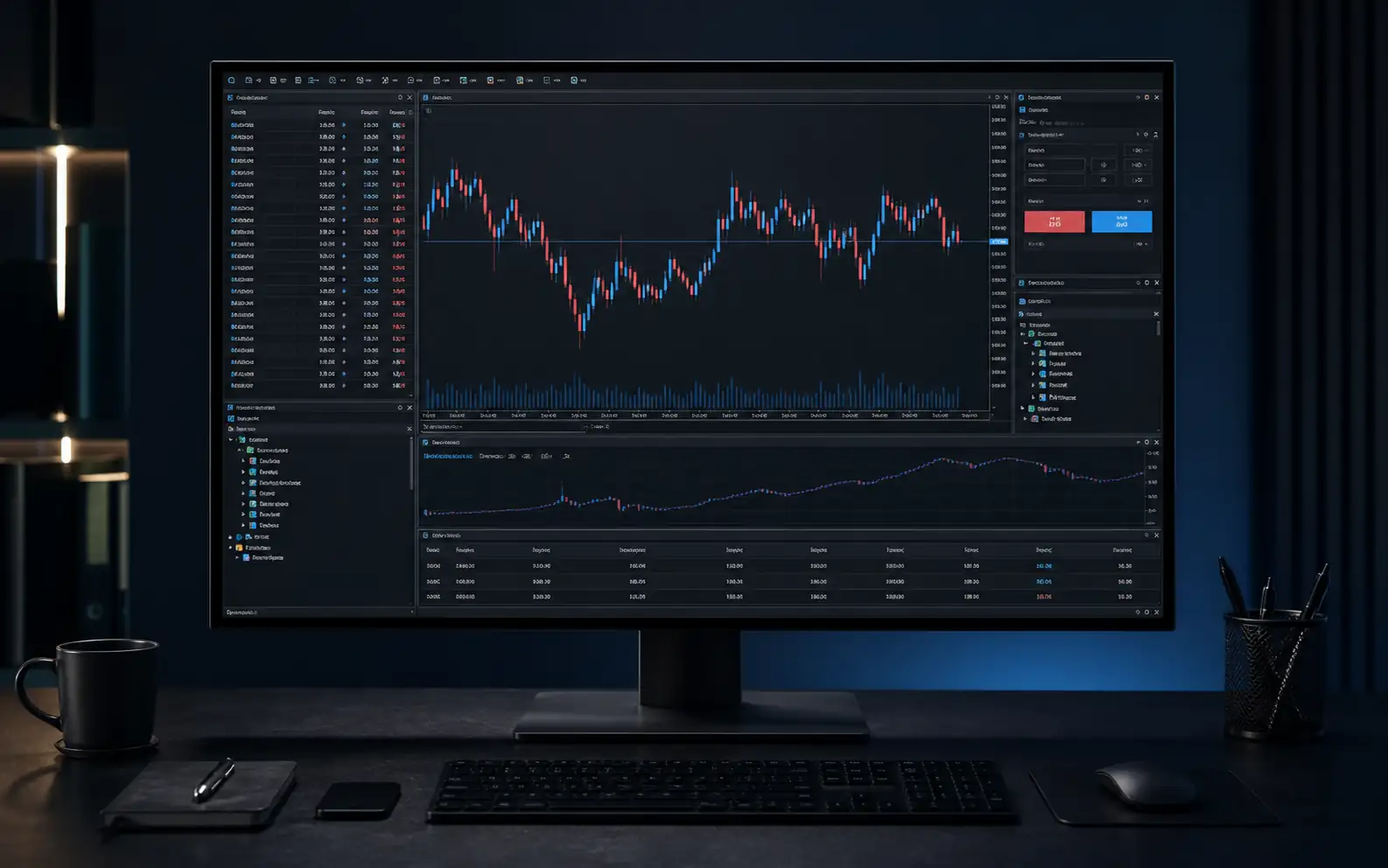
Built around the workflowtraders know.
Four connected modules keep market discovery, chart analysis, order control and automation inside one established desktop terminal.
Market Watch
Symbols, bid/ask context and chart access.
Charts
Nine timeframes and 30 built-in indicators.
Orders
Market, pending and protective controls.
Expert Advisors
MQL4 automation, testing and monitoring.
A familiar terminal.A controlled process.
Move through four practical tasks. Each step focuses the same workspace around a different decision.
Find a symbol
Use Market Watch to compare eligible RG symbols and open the chart you want to analyse.
Explore MT4 on demoBuild the rule.Test the process.
Create or install Expert Advisors, test them on historical data, enable them deliberately and monitor live behaviour continuously.
input double Risk = 1.0;
if (Signal && RiskOK) {
  OrderSend(...);
}
// test · review · monitorAutomated strategies require monitoring and can generate losses. Historical or simulated testing does not predict future performance and may not reflect live liquidity, spreads, slippage or execution.
One familiar terminal.Multiple market routes.
Explore the product guides, then confirm exact symbols, hours, leverage, short availability and costs in the current schedule.
Keep the workflow.Or move forward with MT5.
MT4 remains an established choice. MT5 is RockGlobal’s recommended platform for new users who want broader analytical and testing capability.
 Established platformMetaTrader 4Recommended platformMetaTrader 5
Choose MT4.Then compare the pricing route.
Standard, ECN, Pro and Cent are available through MT4. Compare pricing, deposit, leverage and market-scope differences before opening an account.

Standard
Straightforward pricing with no separate trading commission.
- Costs primarily reflected in the spread
- Standard account-opening route

ECN
Raw market pricing with commission shown separately.
- Raw spread & commission shown separately
- Multi-provider liquidity route

Pro
Account conditions confirmed through manual review.
- Manual review from the first Pro account
- Final conditions confirmed after review

Cent
Focused position sizing across a selected market range.
- Trade sizes from 0.01 lots
- Focused four-market product scope
Trade on MT4.Or explore RockCopy.
MT4 remains your direct-trading workspace. RockCopy is our separate experience outside the MT4 terminal and MetaQuotes Signals, where you can review providers and decide whether to follow a strategy. Compare performance evidence, drawdown, activity, controls and costs before allocating funds.
- 01Review evidencePeriod, return, drawdown and activity
- 02Set controlsAllocation and risk parameters
- 03Monitor continuouslyPause or stop when needed

- Active days
- Max drawdown
- Risk label
- Medium
Illustrative interface, not a real provider or recommendation. Past performance does not guarantee future results.
Learn the terminal.Then control the process.
Focused guides take you from setup through orders, MQL4 testing, execution risk and the path to MT5.
MT4 setup and first login
Read the guideOrders, stops and positions
Read the guideExpert Advisors and MQL4
Read the guideBacktesting limits and risk
Read the guideMoving from MT4 to MT5
Read the guideA familiar platform.A clearer route to action.
Understand the market, account, costs and platform before moving into the secure trading environment.
Regulated account pathway
Windows and mobile access
Six CFD market guides
Costs and specifications in context
Support and education
01Is MetaTrader 4 still available with RockGlobal?
Yes. MT4 remains available for eligible accounts and products. MT5 is RockGlobal’s recommended platform for its broader analytical and testing tools.
02Is MT4 free to use?
There is no separate platform licence fee for eligible RockGlobal clients. Spreads, commission, overnight financing, conversion and other applicable trading charges can still apply.
03Which devices can I use?
RockGlobal supports MT4 on Windows desktop and compatible iOS and Android devices. RockGlobal does not currently offer an MT4 WebTrader or native macOS application.
04Can I use MT4 on a Mac?
A compatible Windows environment may allow the Windows terminal to run on a Mac. This is not a native RockGlobal macOS application, and compatibility or performance cannot be guaranteed.
05Does MT4 support automated trading and backtesting?
Yes. Desktop MT4 supports MQL4 Expert Advisors, custom indicators and the Strategy Tester. Historical or simulated results do not predict live performance.
06What is the difference between MT4 and MT5?
MT4 provides an established charting and MQL4 workflow. MT5 adds more timeframes, indicators and pending-order types, plus a multi-threaded, multi-currency Strategy Tester. RockGlobal recommends MT5 for new users unless they specifically need MT4.
07Can I move an MT4 account or EA directly to MT5?
Not automatically. The platforms use different account environments and programming languages, so accounts, templates, indicators and EAs may require separate setup or redevelopment.
Ready to trade on MT4?
Open a live account, explore MT4 through demo, or compare the recommended MT5 route.