Act when the market moves
Open, modify and monitor supported orders without returning to a desk.

MT4 + MT5 MOBILE TRADING
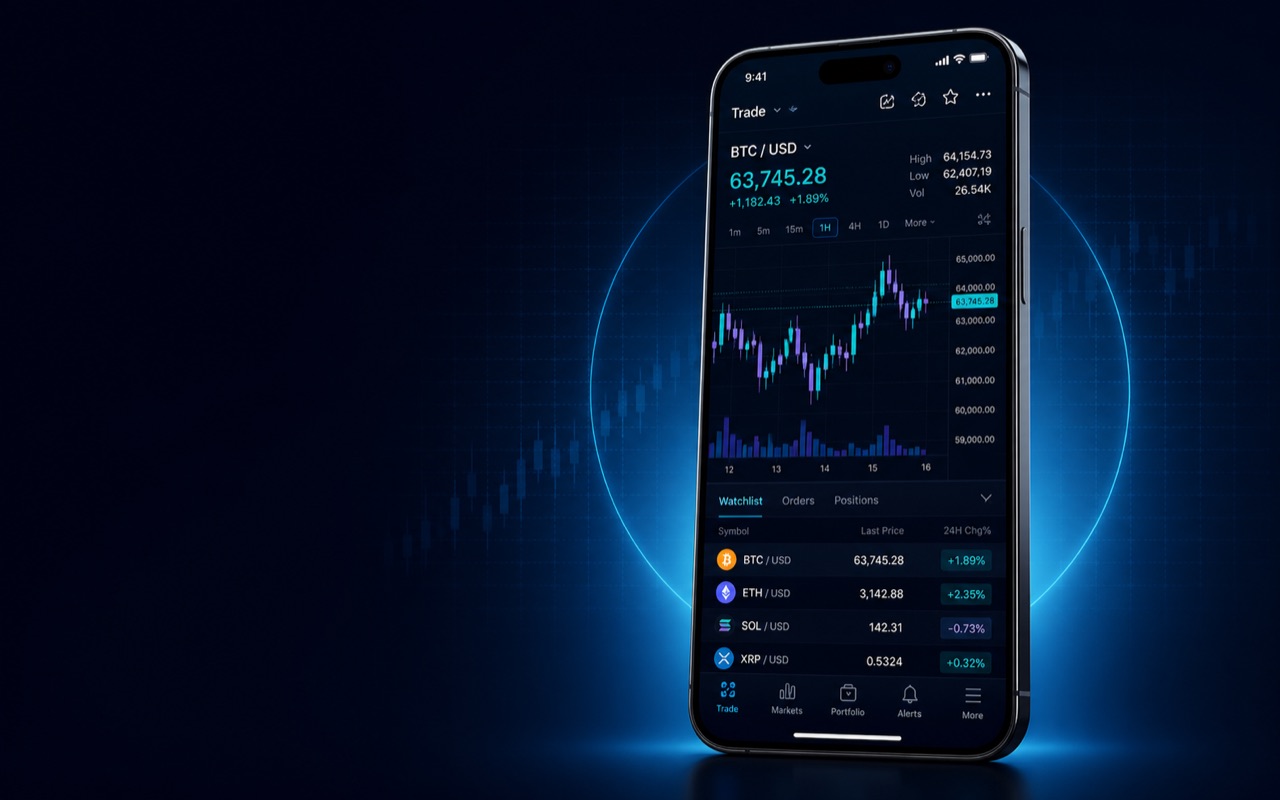
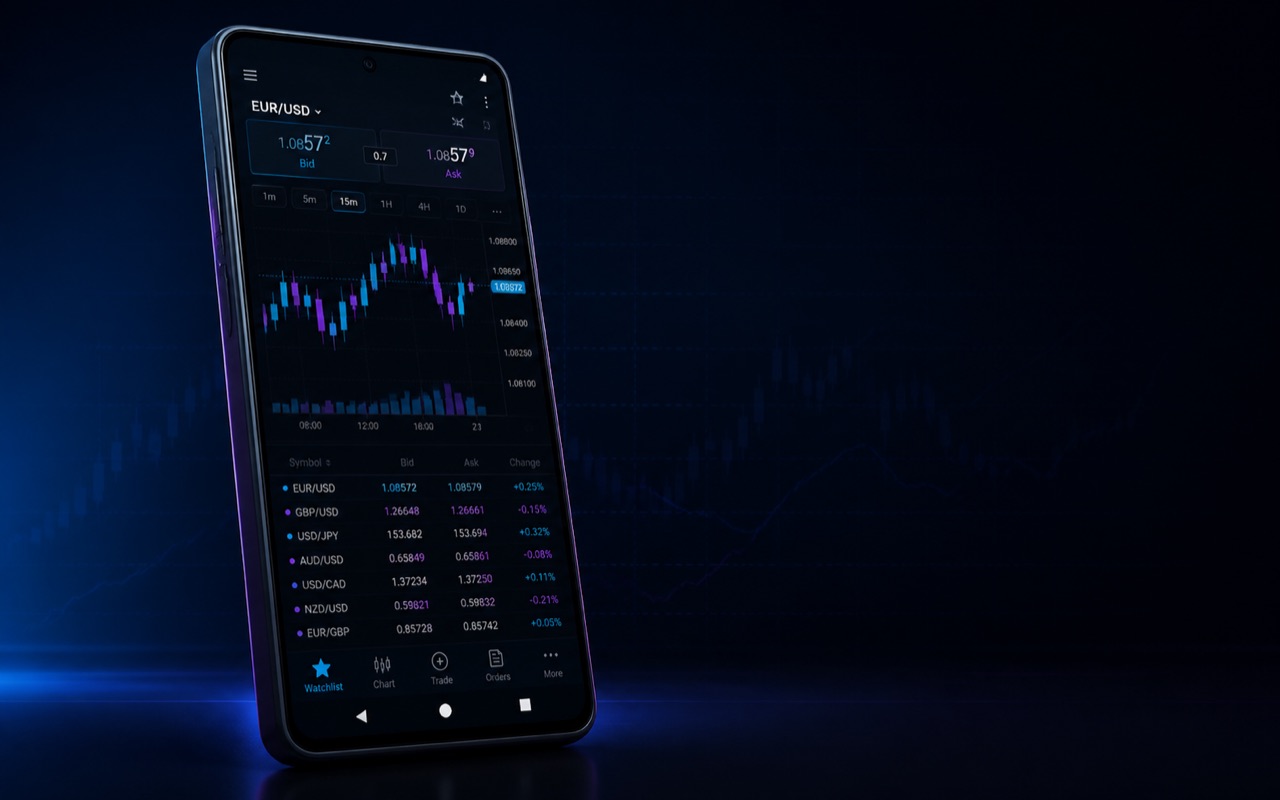
Analyse charts, follow positions and act through MetaTrader 4 or MetaTrader 5 on iOS and Android—using the RockGlobal account route confirmed for you.

WHY TRADE MOBILE
Beginner priorities shown first
Open, modify and monitor supported orders without returning to a desk.
Use mobile charts, indicators and analytical objects to retain context.
Use platform messages and push notifications where configured.
Review positions, margin and account history from the mobile workspace.
Use the same approved RockGlobal account credentials on supported devices.
Combine platform credentials with the security controls on your device.
MOBILE PLATFORM COMPARISON
Compare the mobile workspace—not desktop-only features. Products and maximum leverage remain controlled by account, entity and schedule.
DEVICE-SPECIFIC EXPERIENCE
Charts, orders, messages and account monitoring in the iPhone and iPad app.
MT5 for Android expands chart-period choice and supports Market Depth where available.
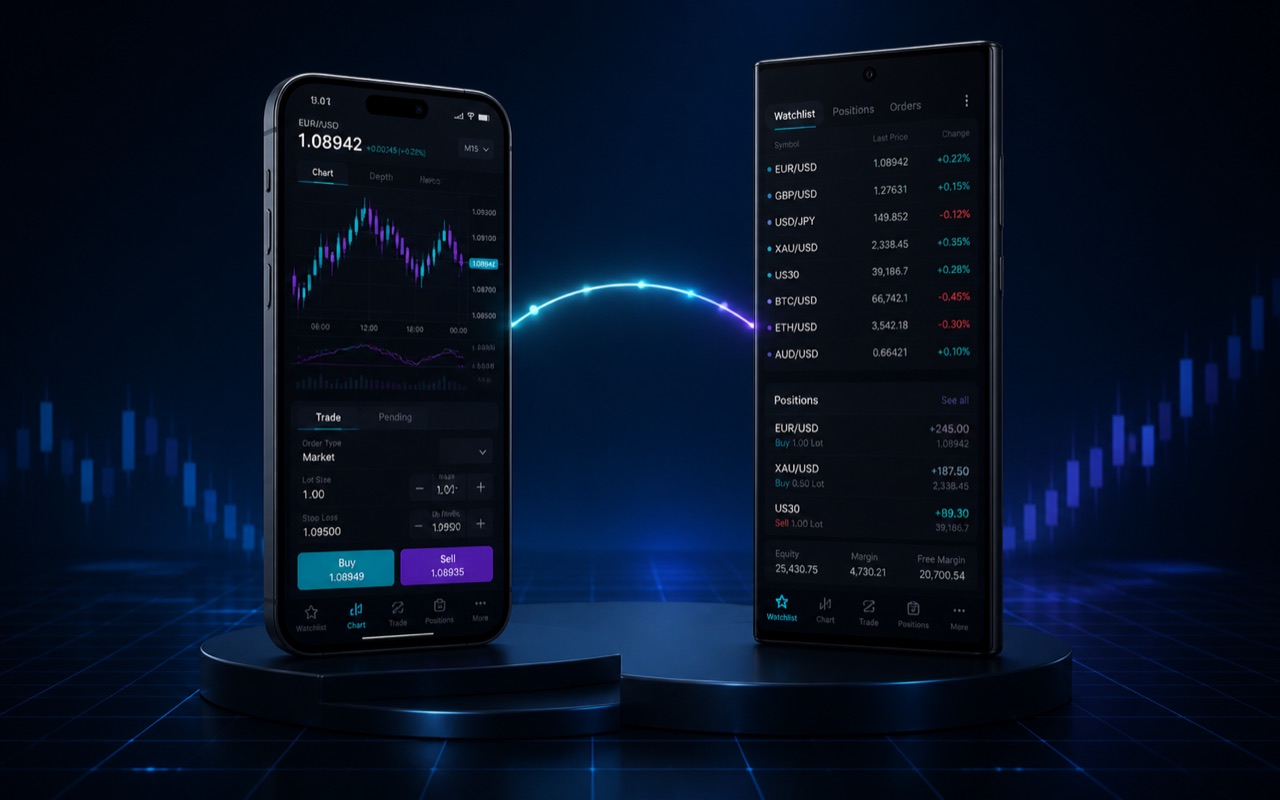
Use supported iOS and Android devices with the credentials and server assigned to your RockGlobal account.
TRY IT IN 30 SECONDS
This guided interface is educational only. Nothing is connected to a live account and no order can be sent.
Select Chart to inspect the illustrative market.
CONTINUE IN RG LEARN
Choose a focused guide for connectivity, cross-device workflow or mobile security.
Learn how to verify account and order status before a mobile interruption occurs.
Read guideINSIGHTSee where monitoring, research, automation and strategy testing fit best.
Read insightGUIDEProtect the device, credentials, server selection and network as one connected route.
Read guideDOWNLOAD & ONBOARDING
New clients create an account first. Existing clients install the matching app, locate the approved server and sign in.
5Expanded mobile analysis and Market Depth where supported.
 4
4A familiar mobile workflow for eligible RockGlobal accounts.
Choose MT5 or MT4 for your device.
Use the route shown in your account details.
Confirm account, products and conditions before trading.
MetaQuotes provides both apps without an app purchase fee. Trading costs, data, financing and account conditions still apply.
Install the relevant MetaTrader app, then find the approved RockGlobal server and sign in with the credentials issued for your account route.
MT5 offers the broader forward-looking analytical environment, including more Android chart periods and Market Depth where supported. MT4 remains a familiar established workflow for eligible accounts.
Strategy Tester and hosted automated execution are desktop or server workflows. The mobile apps can monitor accounts and positions but do not replace the desktop testing environment.
Yes. Live prices, account status and order instructions require a working connection to the trading server.