

Practice with Purpose
Explore the trading workflow.Keep the environment in context.
Use the Demo Account to become familiar with platform tools, rehearse order workflows and practise a more deliberate decision process before considering live trading.
Learn the controls without using live capital.
Place practice orders, explore charting functions and review the platform workflow with simulated account funds.
Two familiar workspaces.
Choose from the MetaTrader routes currently available during Demo registration.
Rehearse before submitting.
Explore order type, size, stop-loss and take-profit workflows where supported.
Watch. Record. Review.
Use indicative Demo pricing to study a workflow, not to predict a live outcome.
Practice is not live-market parity.
Pricing, liquidity, slippage, latency, fills and execution behaviour can differ when real capital meets live market conditions.
Understand the Difference
Practise the workflow.Know what changes when you go live.
A Demo Account can support platform learning, but it does not reproduce every financial, technical or emotional condition of live trading.
Simulated funds
Real deposited funds
No live capital used
Financial loss is possible
Indicative Demo pricing
Live, market-dependent pricing
Simulated environment
Liquidity and market dependent
May not reproduce live outcomes
Can vary with market conditions
Demo registration route
Separate application and checks
Demo performance is hypothetical and is not a reliable indicator of future live trading performance.
Your Platform Workspace
Start with MT4 or MT5.Choose the workflow to explore.
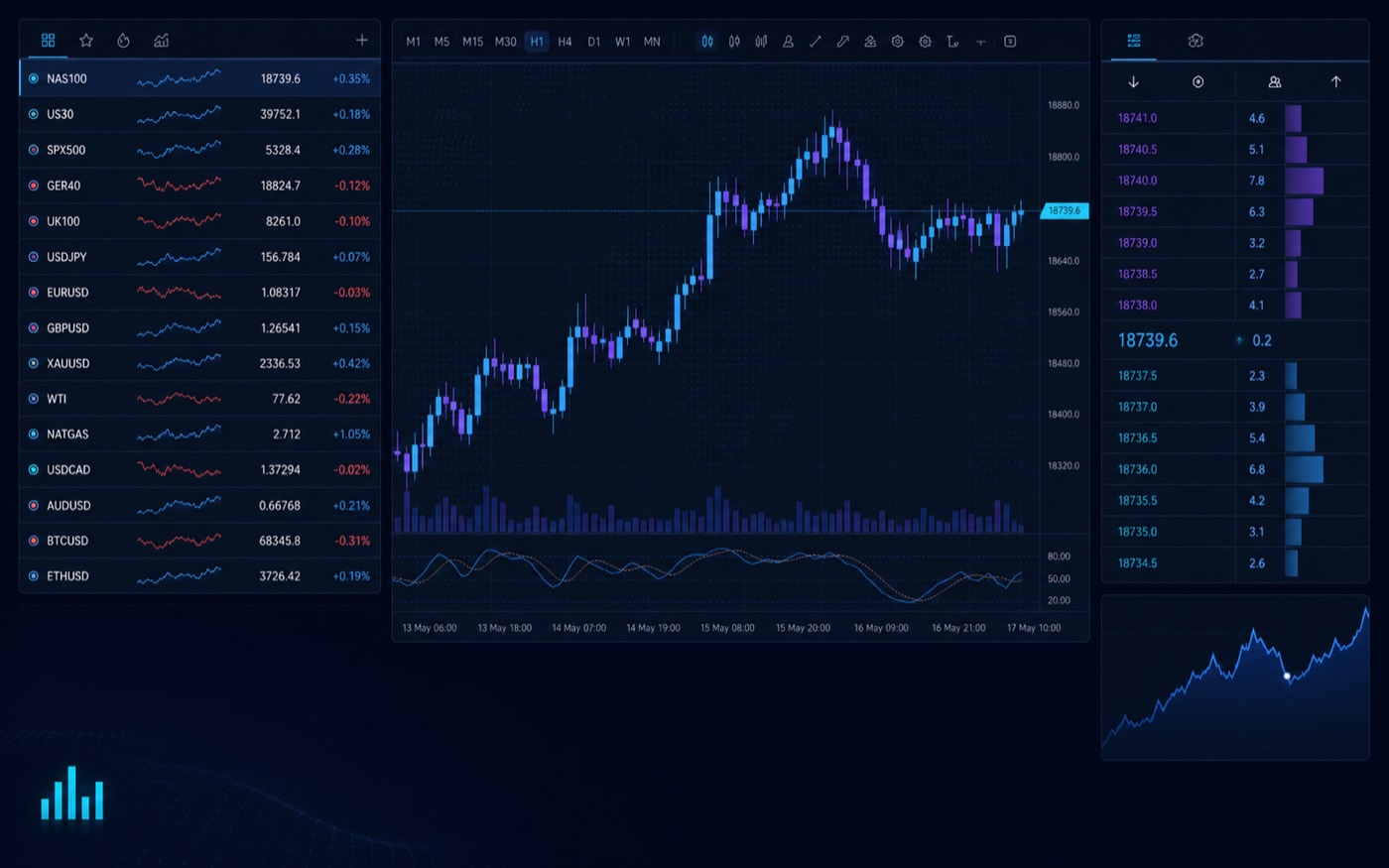
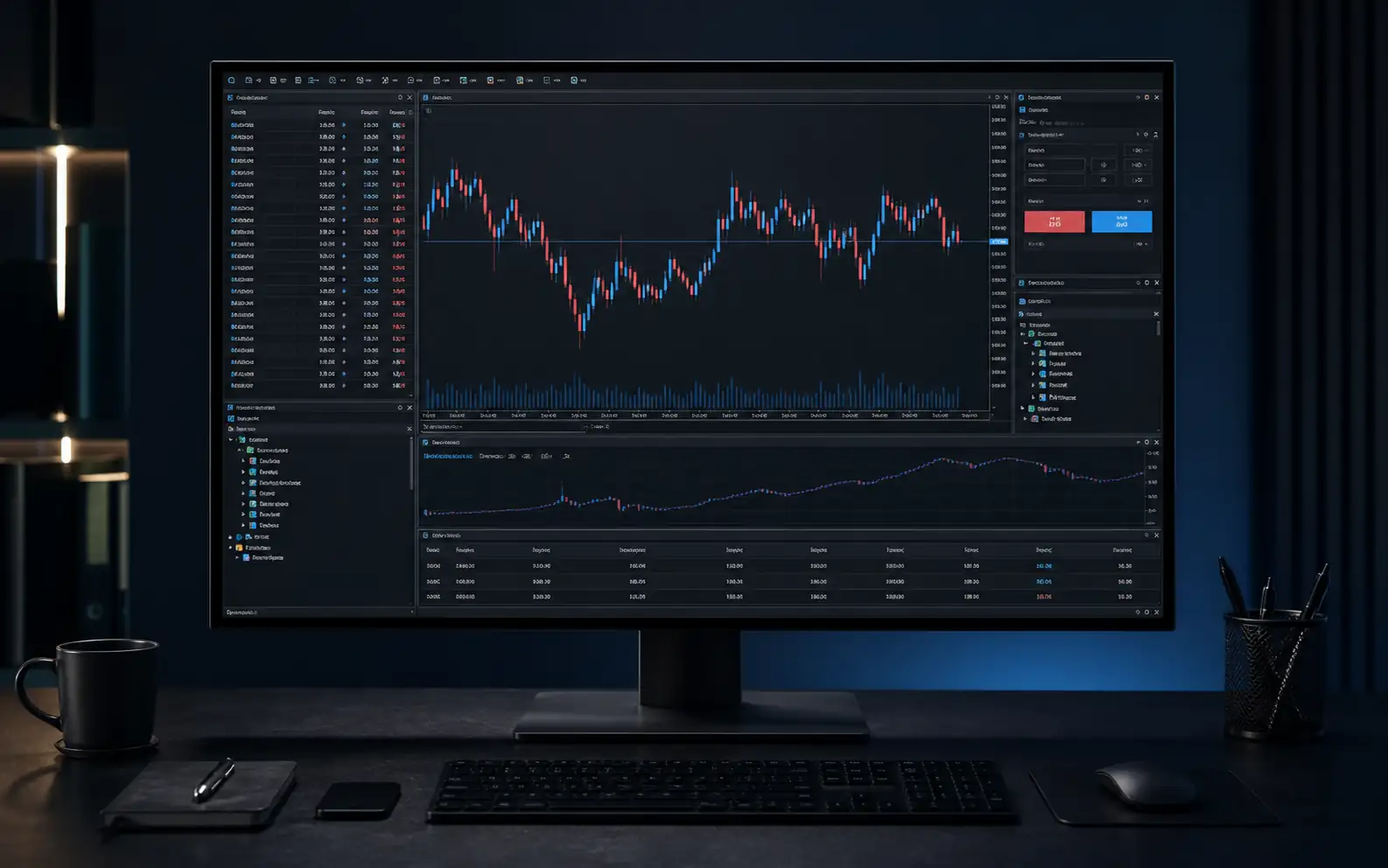
Compare the established MT4 workspace with the later-generation MT5 experience before selecting the currently available Demo route.
 5LATER-GENERATION
MetaTrader 5
Explore multi-asset charts, watchlists, order tools and supported Strategy Tester workflows.
- Windows
- iOS + Android
 4ESTABLISHED
MetaTrader 4
Explore a familiar charting, order and indicator workflow with MQL4 tools where supported.
- Windows
- iOS + Android
Platform, device, feature and Demo availability depends on the current service configuration. WebTrader and native macOS access are not presented as supported routes.
Three Steps to Start
From registration.Into your practice terminal.
Move through the current Demo registration route, choose from available settings and use the credentials issued for MT4 or MT5.
Test · Observe · Refine
Practise more than an order.Build a repeatable process.
Switch between three practice lenses to keep platform learning, risk controls and testing expectations clearly separated.
When You Are Ready
Keep Demo and live separate.Choose the next route deliberately.
A live account requires a separate application. Compare the four current routes before deciding whether any live account fits your needs.
 LIVE ROUTE SPOTLIGHTCentSMALLER SIZING
Explore smaller position sizing with Cent.
Review the Cent Account’s current product scope, US$500 minimum deposit, MT4 and MT5 access, and product-specific schedule before applying.
01What is a RockGlobal Demo Account?
It is a practice environment that uses simulated funds. It can help you become familiar with supported platform, charting and order workflows before deciding whether to apply for a live account.
02Does a Demo Account use real money?
No. Demo funds are simulated and Demo orders do not use live capital.
03Is Demo trading the same as live trading?
No. Demo pricing, liquidity, slippage, latency, fills and execution behaviour can differ from live conditions. Demo results are not a reliable indicator of future live performance.
04Can I use MT4 and MT5?
RockGlobal presents Demo routes through MT4 and MT5. The platform and device options available to you are confirmed during registration.
05Can I choose my virtual balance and leverage?
Available Demo balance and leverage settings are shown during the current registration process and may depend on the service configuration.
06Can I use Expert Advisors or testing tools?
Tool availability depends on the selected MetaTrader platform and current Demo configuration. Confirm the applicable settings before relying on an automated workflow.
07Does the Demo Account expire?
Validity and inactivity terms can depend on the current Demo service. Confirm the applicable period during registration or with RockGlobal support.
08Can I convert a Demo Account into a live account?
A live account requires a separate application and remains subject to the relevant eligibility, entity, jurisdiction and account conditions.